01
Settings → Menu customisation
Adapt the menu to this priority
Find menu customisation and choose “Freelance or hourly”. This configuration organises the tools you see; your personal income profile and record history are separate information.
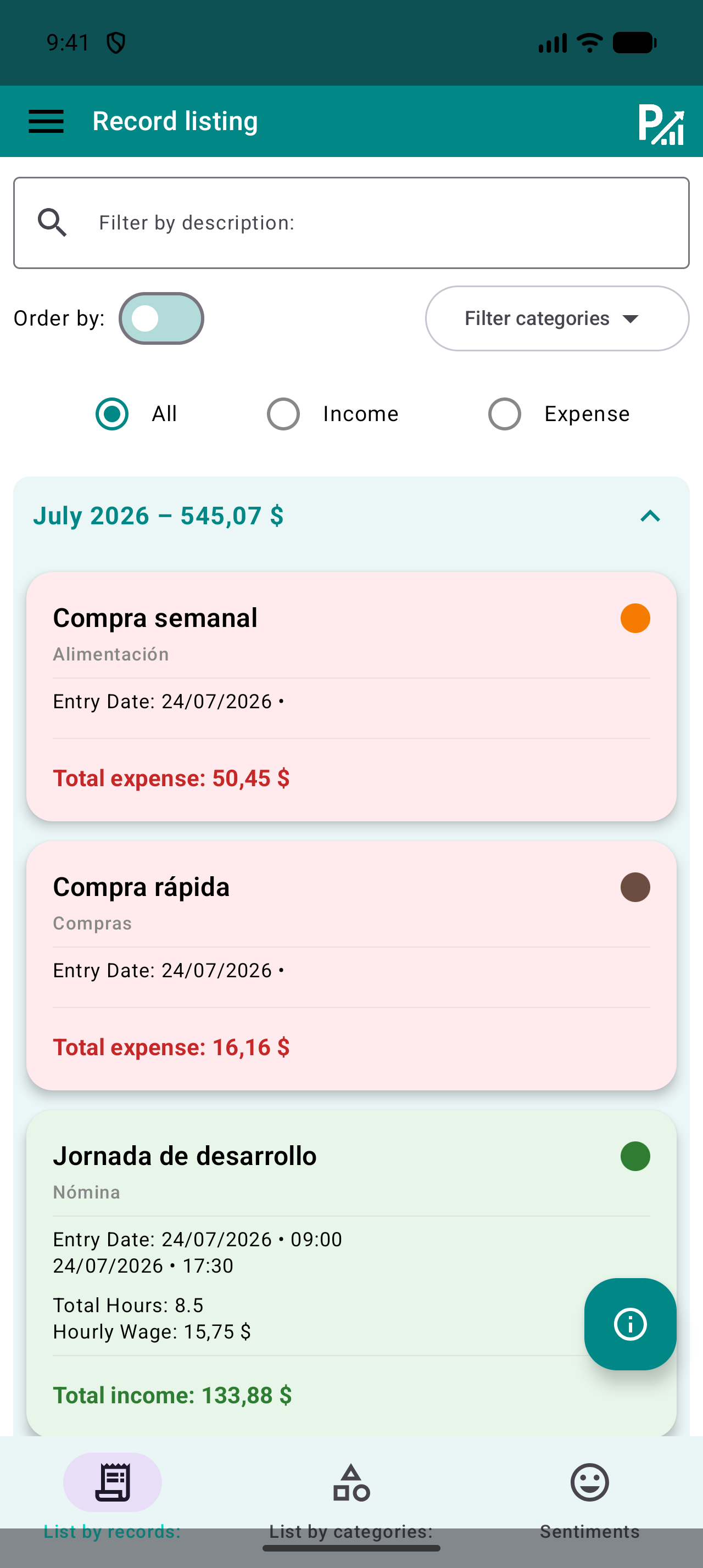
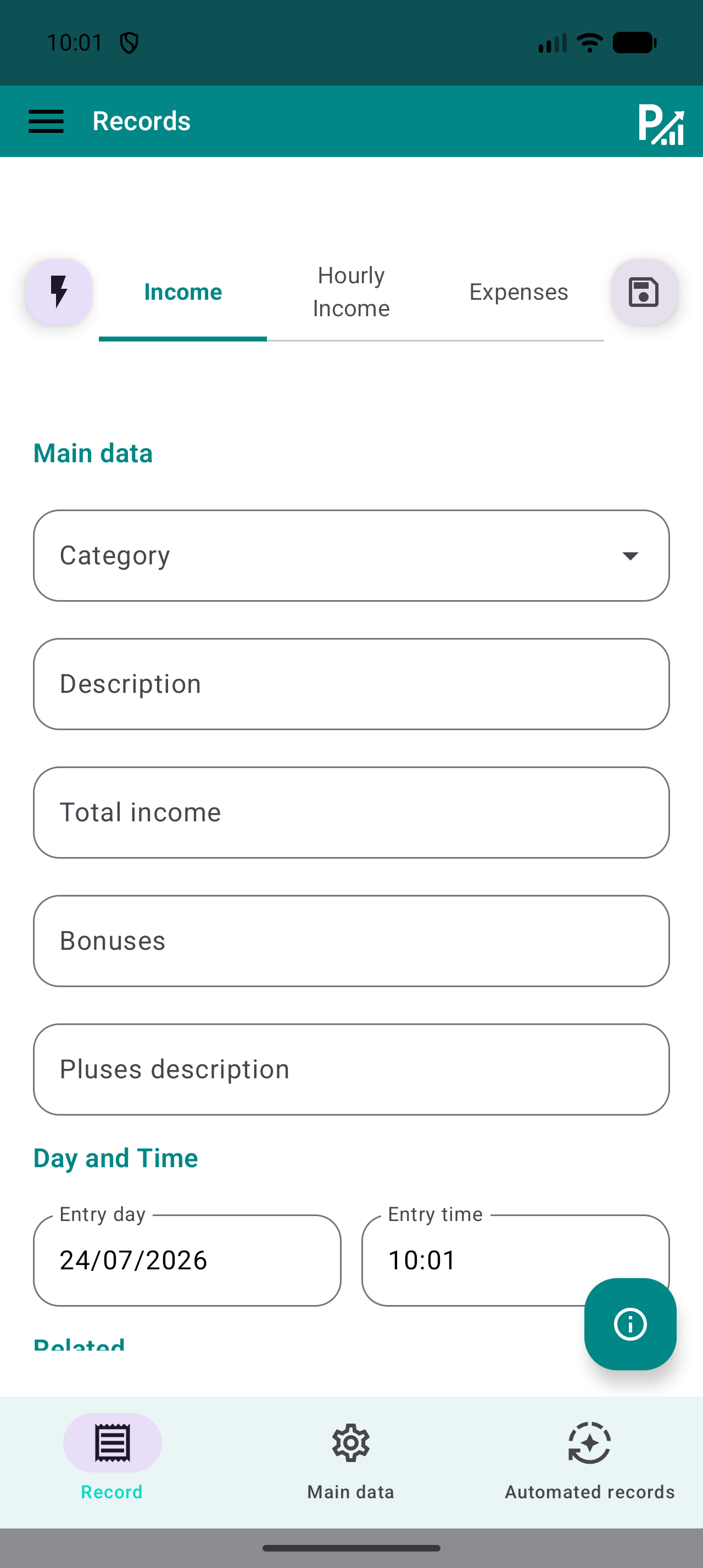
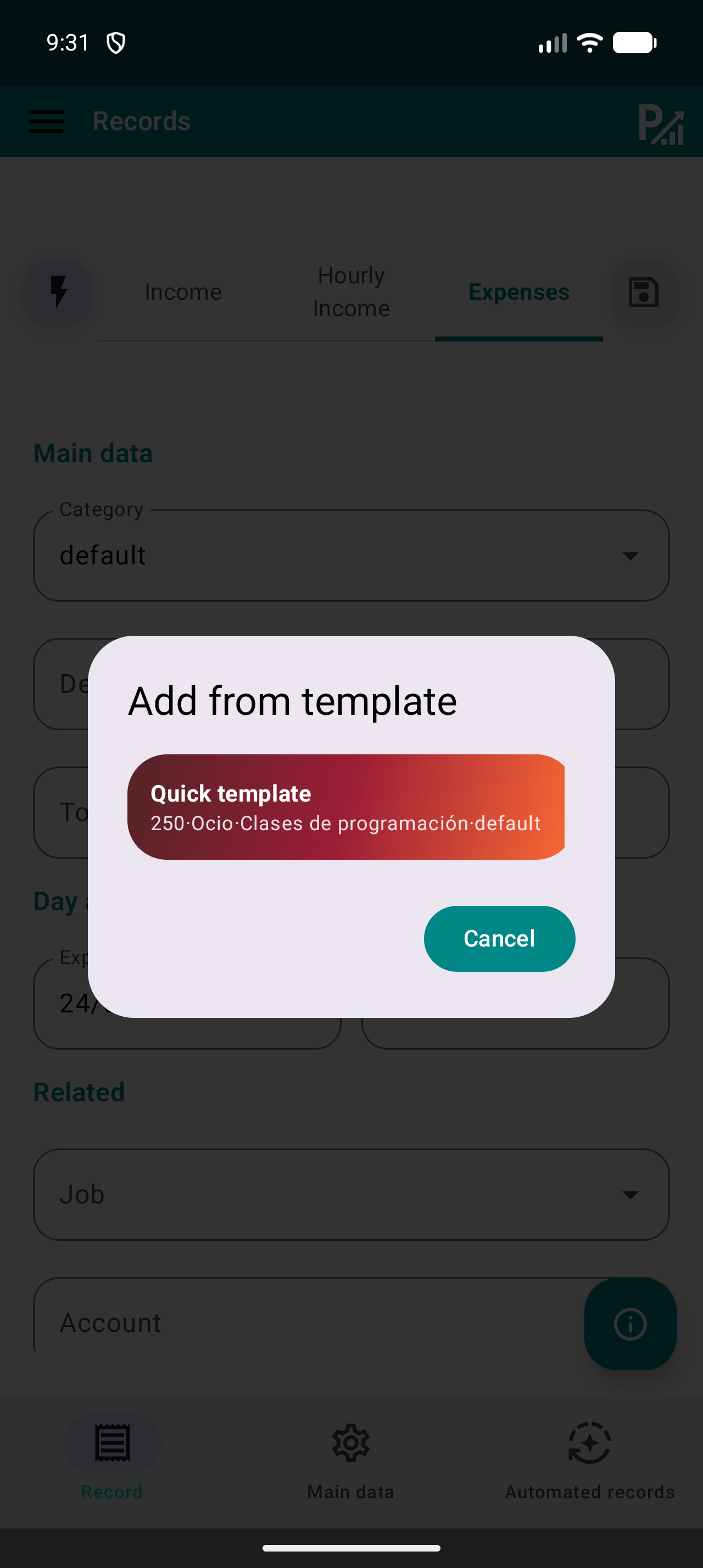
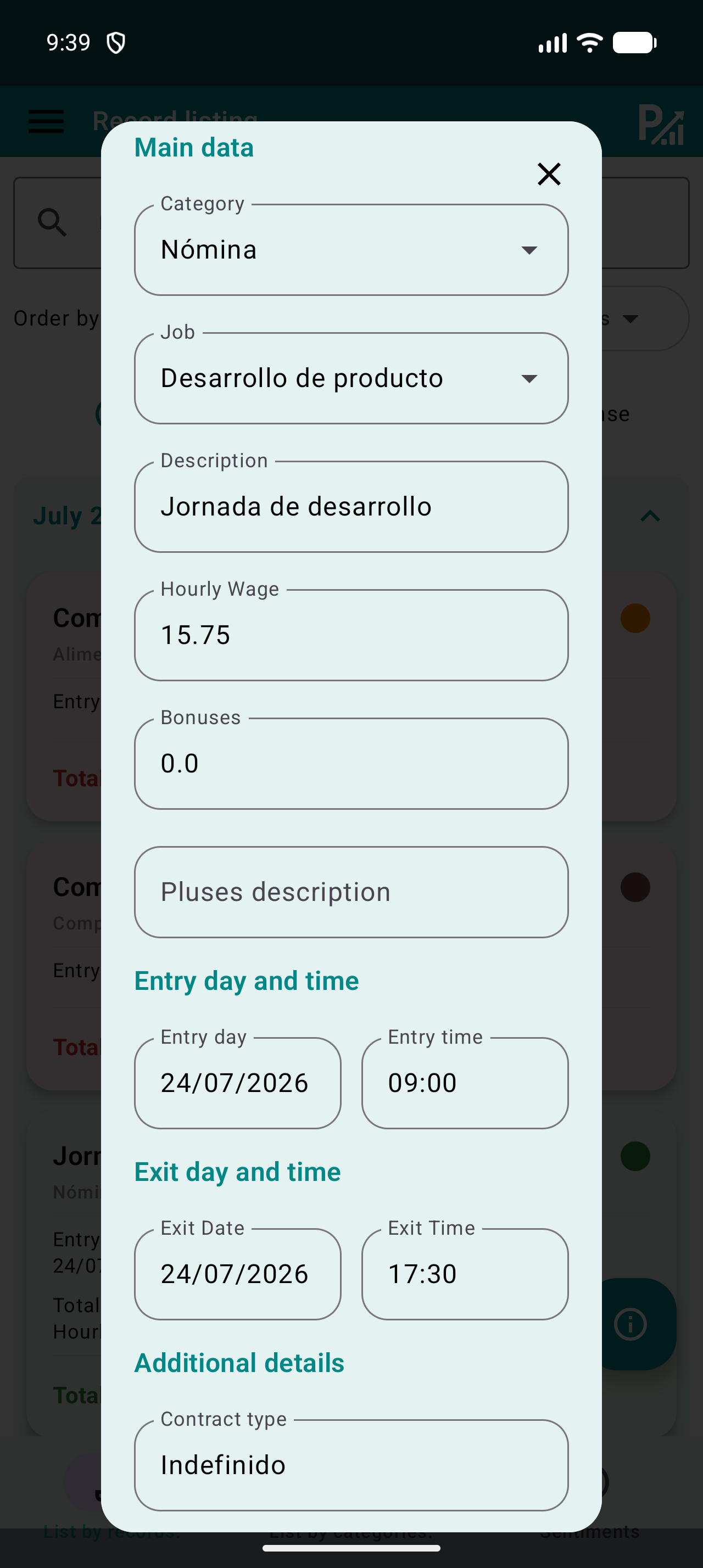
After applying it, open the menu and find the guide’s screens. If a tool is missing, check visible items in Settings and its availability in your version. You do not need to delete records to change focus.
Do this
- Open Settings and find menu customisation.
- Apply “Freelance or hourly” and check the menu.
- Find the tools and keep your existing records.
✓ What you should see
The menu reflects your priority and you have identified the walkthrough screens.
✦ Tip
You can combine these focuses with any of the four personal income profiles.